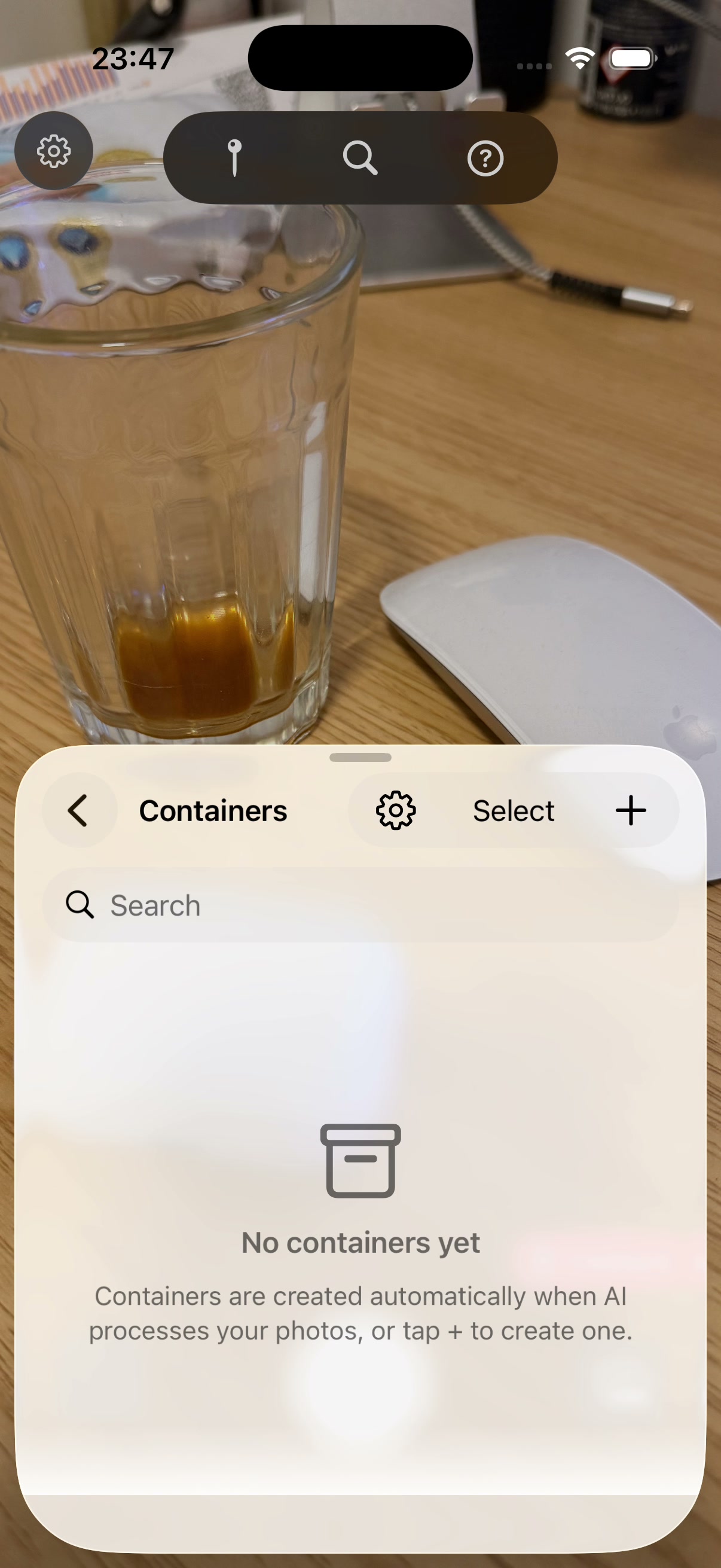
"Select" button visible when the list is empty
The Manage Containers sheet shows a "Select" button in its toolbar even though the list contains zero containers. Nothing to select → dead UI.
Q: Tap "Select" manually on an empty list — does anything sensible happen, or is it a no-op?
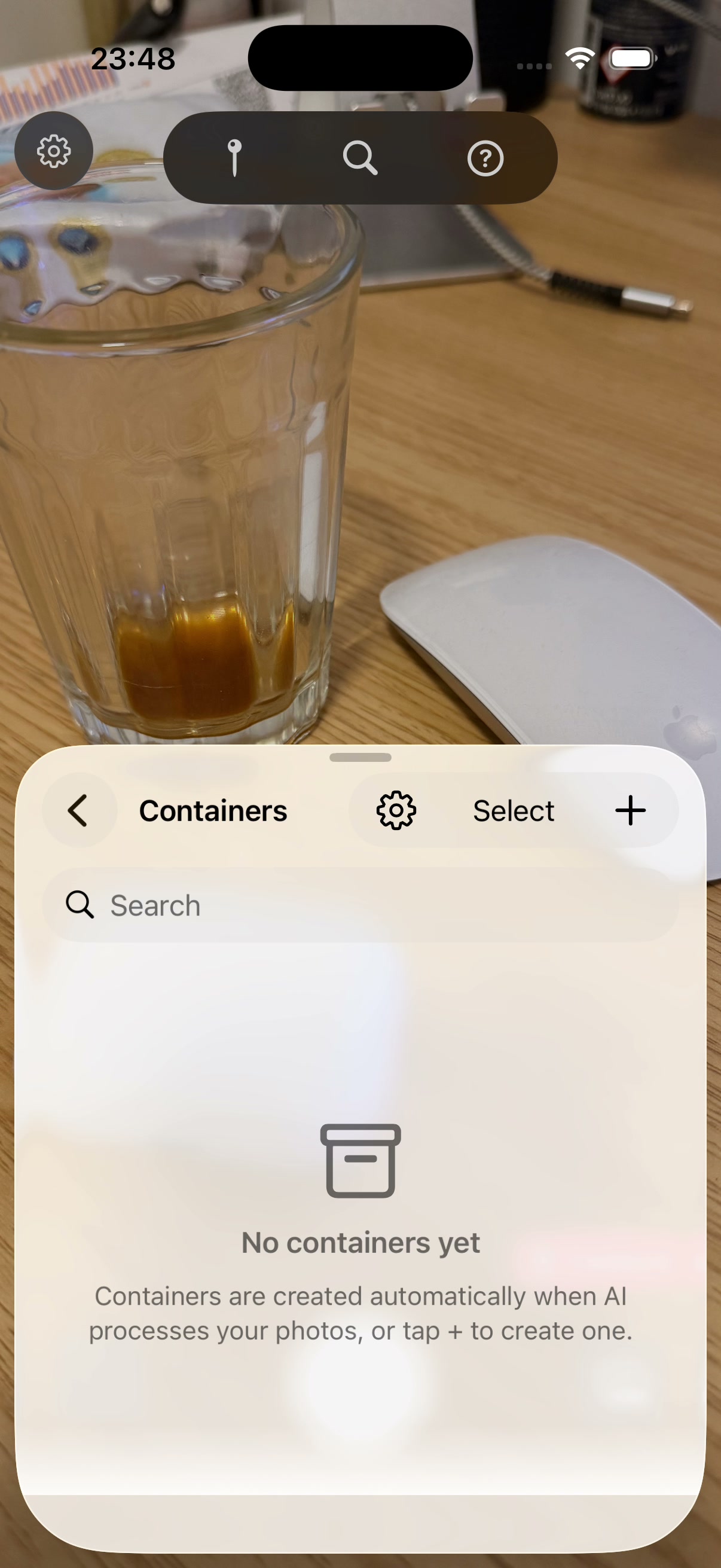
Back chevron not responding to taps
The back chevron at top-left of the Manage Containers sheet did not respond to multiple coordinate taps. Eventually had to dismiss by swipe-down on the sheet grabber.
Q: Manually tap the back chevron on an empty Manage Containers screen — does it pop you back, or are you stuck?
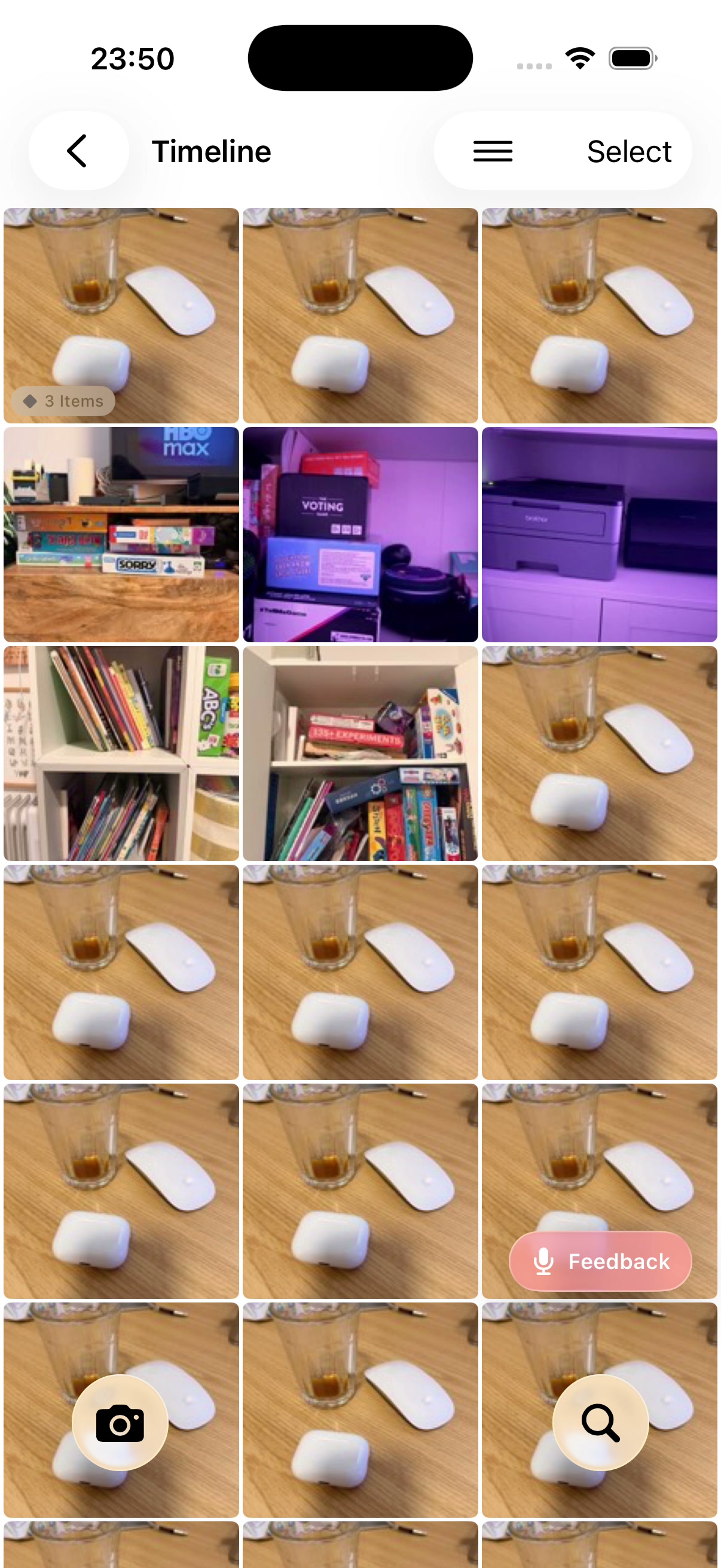
Triple-stacked AXButtons per photo cell
Every photo cell exposes 3 overlapping AXButtons with the same label "Photo from X ago, N items, Done". The interactive ~132×176pt cell is correct; the other two are 8×8 and 34×12 micro-elements layered on the top-left (likely the items badge and selection circle inheriting the parent's a11y label).
Impact: VoiceOver triple-announces; XCUITest "first match by label" picks the wrong micro-element; iosef tap-by-name lands at coordinate (16, 223) instead of the cell center.
Q: Want me to fix? Cheap to address and benefits both VoiceOver users and our own test suite.
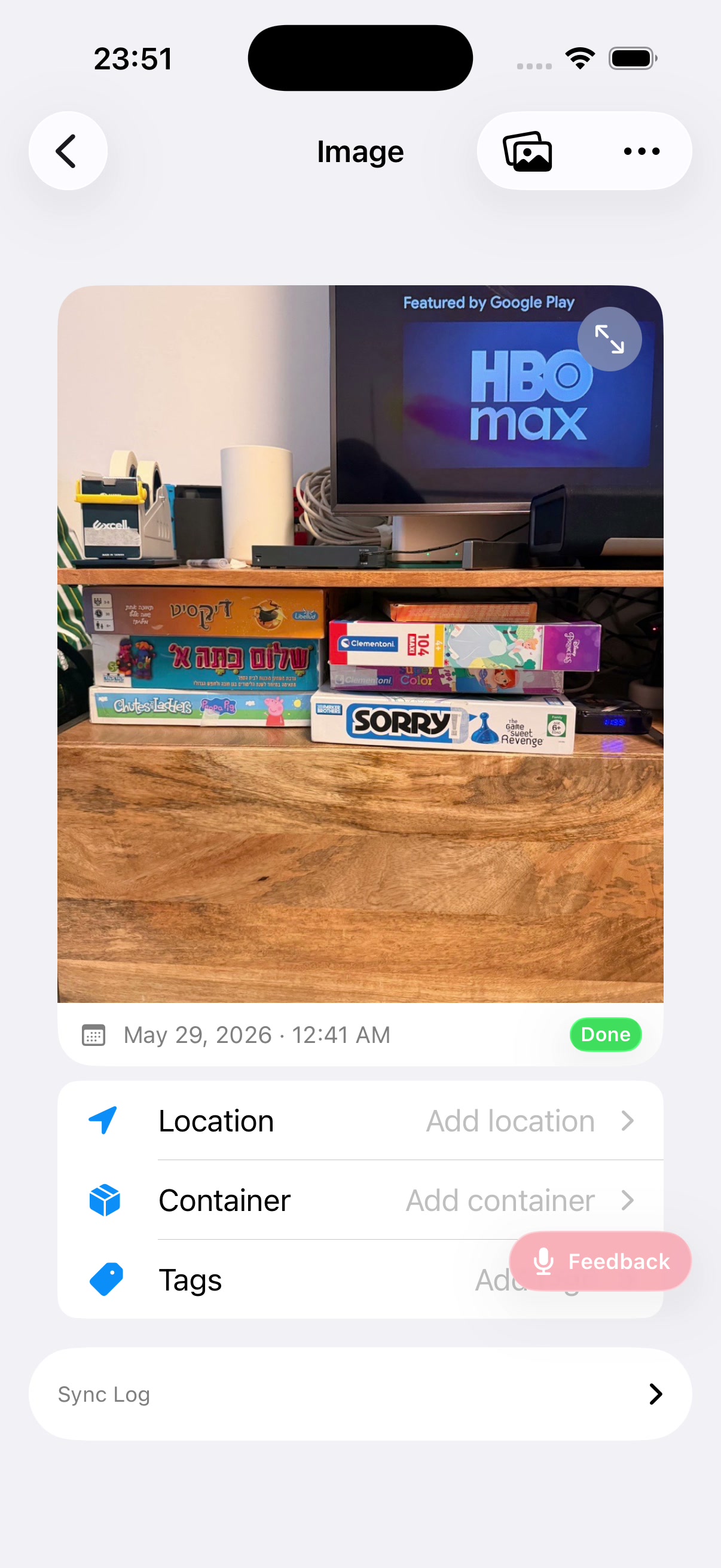
No "Detected Items" section visible — but cell badge said "3 items"
I tapped a timeline cell whose label said "Photo from 28 min ago, 3 items, Done". The detail view that opened shows only Location / Container / Tags / Sync Log — no Detected Items section at all. Two possible causes:
(a) cell badge count was stale and the image truly has zero items; or
(b) image has items but the section isn't rendering.
Q: Open the HBO max image yourself — do you actually see 3 items, or is the section missing? This is the most likely real user-facing data bug of the five.
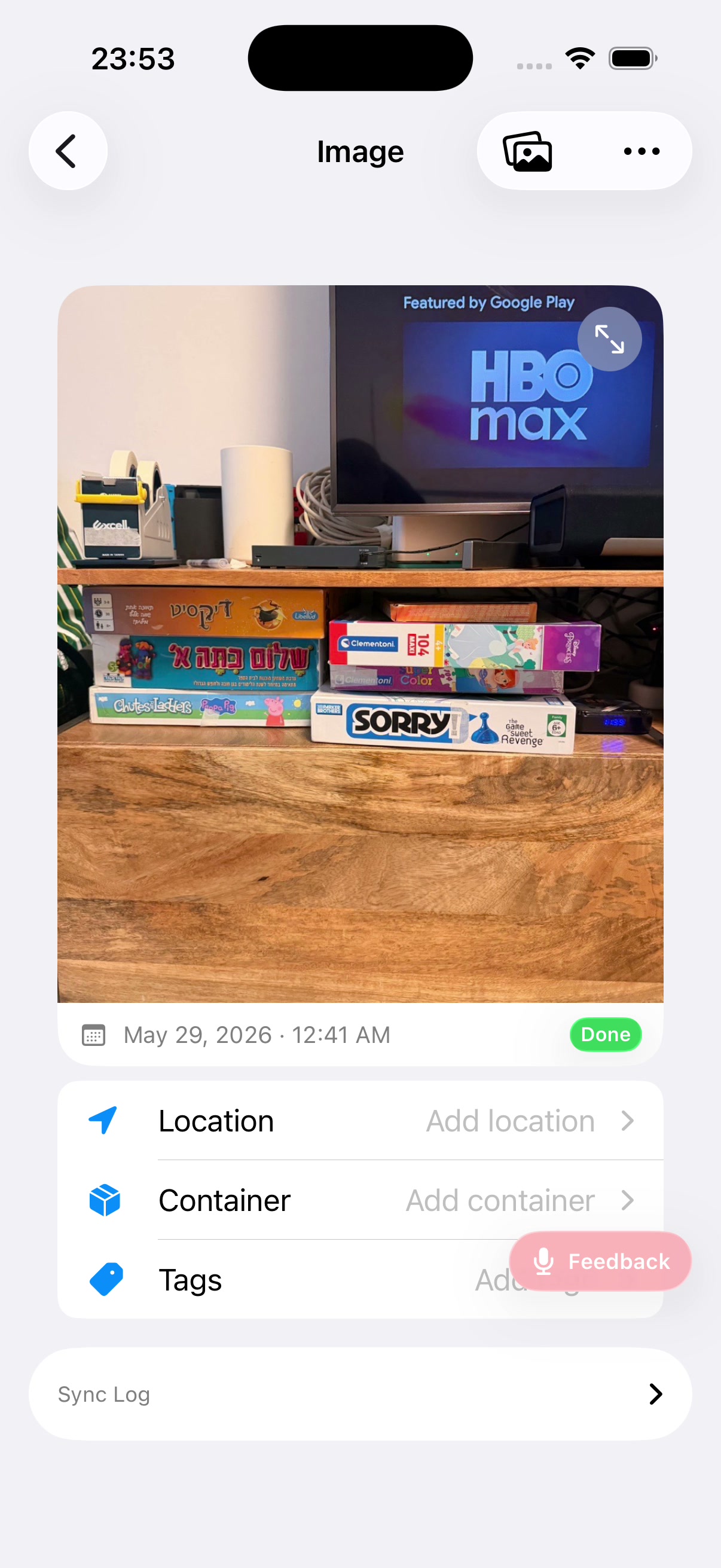
Back chevron on Image Detail not responding
Same image as Finding 4, two minutes later. Multiple coord taps at the visible back-chevron position (~22, 95) did not navigate back. Clock went 23:51 → 23:53 with the screen unchanged. Distinct from Finding 2 (that was a sheet); this is a NavigationStack push.
Q: Manually tap the back chevron on Image Detail — does it work for you? If yes, this is iosef tooling flakiness, not an app bug.